
Skip to main content
Whatcha need to Know?
● Knowledge Base · Integrations


Explode in REAPER Project
basehead detects Audiokinetic Strata files and can open the source REAPER .rpp project that rendered them — so you can tweak, modify, and re-export with the original media and plugins intact.
To explode a Strata file, either:
- Right-click the Strata file in the Results List and choose Explode in REAPER Project
- Or click the Strata icon in the lower-right of the waveform when a Strata file is detected
Setup with ReaPack
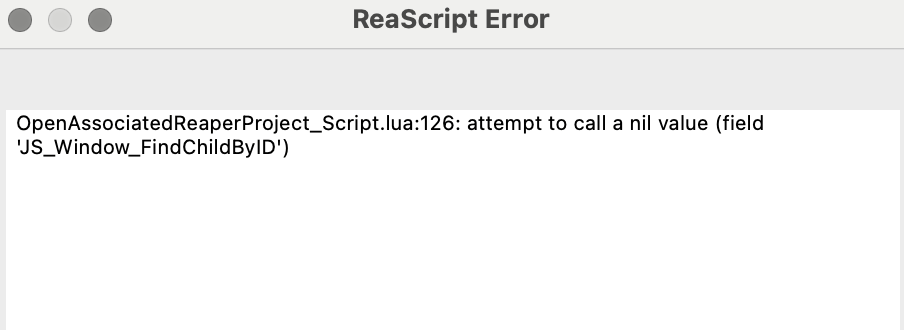
You need the ReaPack package manager for REAPER. If you’re hitting a lua:126 error, walk through these steps:
- Go to ReaPack and download it. Refer to the ReaPack User Guide for installation.
- From the REAPER menu bar: Extensions → ReaPack → Browse packages.
- Search for
reascriptsto find js_ReaScriptAPI: API functions for ReaScripts. - Right-click it and choose Install.
Once installed, toggle Display: Installed — you should see both packages in the list:
FAQ
Why am I seeing the Lua Script 126 error?
Follow the Setup with ReaPack steps above to resolve it.
Audiokinetic blog post
Audiokinetic wrote about our Strata integration. If you missed it, it’s a good walkthrough of how exploding Strata files in REAPER works: